Remini Video Enhancer: Enhance Blurry Videos With AI
Ever recorded a video that looked fine on your phone, but seemed blurry or dull when you played it back later? Remini Video Enhancer can help improve the clarity and detail of low-quality footage with AI, making it useful for old memories, social media clips, vlogs, and everyday videos.
In this guide, I’ll explain how Remini Video Enhancer works, which types of videos it can improve, how to use it on different devices, and what results you can realistically expect.
What Is Remini Video Enhancer?
Remini Video Enhancer is an AI-based tool that helps improve the quality of blurry, soft, noisy, or low-quality videos. It automatically processes supported footage to enhance visible details and clarity, so you can get a cleaner-looking result without spending time adjusting complicated editing settings.
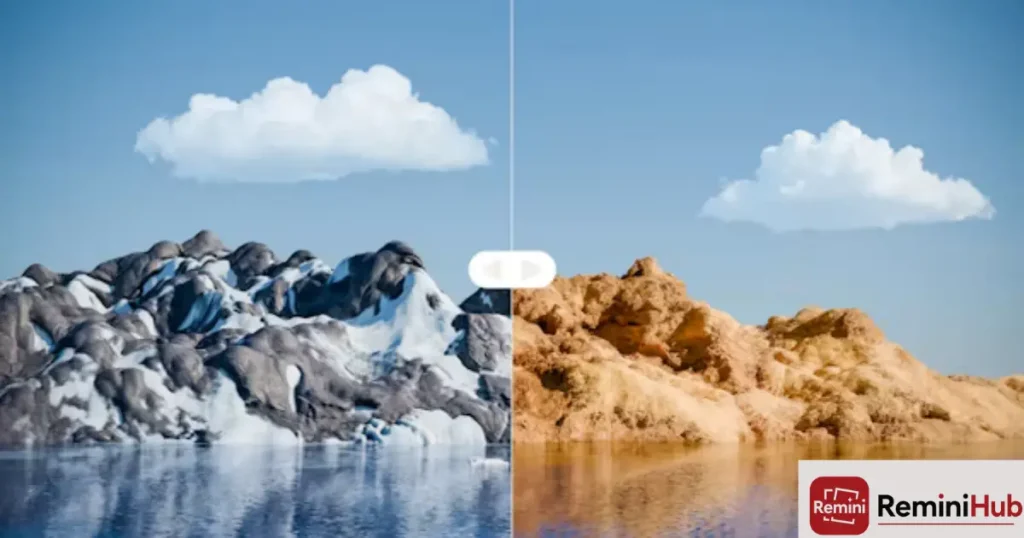
Video enhancement improves an existing recording rather than creating a new video. Remini can be useful for old family recordings, blurry phone videos, vlogs, social media clips, and everyday footage. However, the final result depends on the original video, so extremely blurry or heavily damaged footage may still have limitations.
Remini also offers tools for improving still images. If you’re looking to enhance blurry, old, or low-quality photos, see our Remini Photo Enhancer guide for more details.
How Does Remini Video Enhancer Work?
Remini Video Enhancer uses AI-based processing to improve the appearance of supported videos. It can enhance visible details, clarity, and other aspects of the footage automatically, with the final result depending on the quality and condition of the original video.
Here’s how the enhancement process generally works:
- Upload Your Video: Select the video you want to improve.
- AI Processing: Remini processes the footage using its available enhancement features.
- Detail Enhancement: The processing can make visible details appear clearer.
- Noise Reduction: Supported footage may look cleaner when unwanted visual noise is reduced.
- Clarity Improvements: The enhanced video may have improved overall sharpness and visual appearance.
- Preview and Save: Check the processed result and save it if you’re satisfied.
The main benefit is simplicity. Instead of manually adjusting several editing settings, you can let the AI handle much of the enhancement process.
How to Use Remini Video Enhancer Online?
You can use Remini through a web browser to enhance supported videos without installing the mobile app. The process is simple: open Remini’s website, upload your video, let the AI process it, and download the enhanced result when it is ready.
Remini’s browser-based tools can also be used for photo editing. If you want to learn more about enhancing images online without installing the app, see our Remini Online Free Editing guide.
- Open Remini Online: Visit the official Remini website in your browser and sign in or create an account if required.
- Find the Video Enhancer: Open the available video enhancement tool from the Remini web interface.
- Upload Your Video: Select the video you want to improve from your computer or supported device.
- Start Processing: Choose the available enhancement option and let Remini process your video. Processing time can vary depending on the video and current service conditions.
- Preview the Result: Once processing is complete, compare the enhanced video with the original to check whether the quality has improved.
- Download the Video: If you’re satisfied with the result, use the available download or export option to save the enhanced video.
The online method is useful if you prefer not to install an app or Android emulator and want to access Remini directly from a browser.
Can You Use Remini Video Enhancer on Android?
Yes, Android users can use Remini to enhance supported videos directly through the mobile app. The available video features may vary depending on the current app version and account.
How to Install Remini on Android
The simplest option is to install the official Remini app from the Google Play Store. After installation, open the app, sign in if required, and follow the on-screen instructions to access the available enhancement features.
Remini Mod APK
If you’re researching additional or unlocked features, you may also come across a Remini Mod APK. Keep in mind that a Mod APK is an unofficial, modified version of the original application and is separate from the official Remini app. Because modified apps can carry security or privacy risks, check the source carefully before installing one, and powerful way to instantly upgrade your footage.
Can You Use Remini Video Enhancer on iPhone?
Yes, iPhone and iPad users can use Remini to enhance supported videos through the iOS app. Simply choose your video, select an available enhancement option, and let Remini process the footage before reviewing the result.
For more information, see our Remini for iOS guide for details about using Remini on iPhone and iPad.
Can You Use Remini Video Enhancer on PC?
Yes, you can use Remini on a PC through supported web options or, where needed, an Android emulator. The available method and features may depend on the current version of Remini.
For setup instructions and the available options, see our Remini for PC guide.
What Types of Videos Can Remini Improve?
Remini can be useful when a video looks blurry, lacks detail, appears noisy, or has lighting and color issues. The amount of improvement depends on the original footage, but AI enhancement can make suitable clips look cleaner and more defined. Here are some common types of videos where Remini may be helpful.
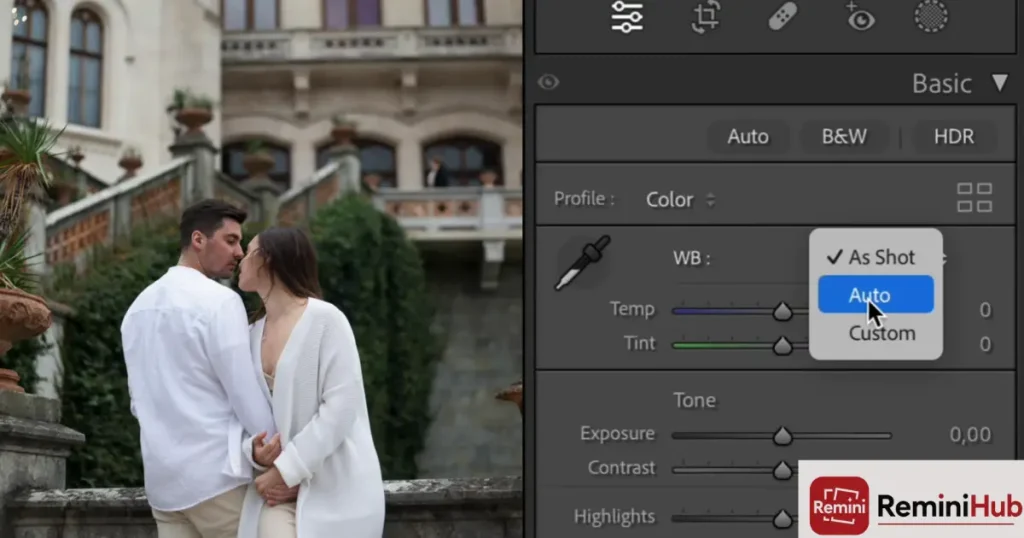
Blurry Videos
If a video looks soft or lacks sharp detail, Remini can enhance the visible details and make the footage appear clearer. It can be particularly useful when the original recording is slightly blurry but still contains enough detail to process.
Old Family Videos
Old recordings often have noticeable noise, faded colors, or reduced clarity. Remini can help improve the overall appearance of suitable older footage, making family memories easier to watch and share.
YouTube Videos and Vlogs
Creators can use Remini to improve videos that look less clear than expected, especially when working with older recordings or footage captured in less-than-ideal conditions. It can help make important visual details stand out more clearly.
Social Media Reels and Shorts
Short videos shared on platforms such as Instagram, TikTok, or Facebook can sometimes lose visual quality during recording, editing, or uploading. Remini can help enhance suitable footage before you share it.
Event and Travel Videos
Wedding clips, birthday recordings, travel videos, and other personal footage can benefit when they have noticeable blur, noise, poor lighting, or dull colors. Enhancing these clips can make the important moments easier to see without requiring complicated manual editing.
What Video Problems Can Remini Help With?
Remini can be useful for videos affected by common quality problems such as blur, low detail, noise, or poor lighting. The amount of improvement depends on the original footage and the enhancement features available.
- Blur: Can make suitable soft or blurry footage appear clearer.
- Lack of Detail: Can improve the appearance of visible details in supported videos.
- Noise: May reduce unwanted visual noise or grain.
- Poor Lighting: Can improve the overall appearance of footage affected by uneven or poor lighting.
- Color Issues: May improve the balance and appearance of colors and tones.
- Low-Quality Footage: Can make suitable low-resolution recordings look cleaner and more defined.
Keep your expectations realistic. AI enhancement cannot recreate details that were never captured in the original recording, so results vary from one video to another.
Remini Video Enhancer Pros and Cons
Remini Video Enhancer makes video enhancement easier by using AI to improve supported footage with minimal manual editing. However, it also has limitations, especially when the original video is extremely poor or when you need detailed editing controls.
Pros
- Simple to Use: You can enhance supported videos without advanced editing skills.
- AI-Powered Enhancement: AI processing can improve visible details and the overall appearance of suitable footage.
- Useful for Low-Quality Footage: It can make some older, compressed, or blurry clips look cleaner.
- Noise Reduction: Supported footage may look less grainy after processing.
- Beginner-Friendly: Most of the enhancement process is automatic.
- Multiple Device Options: Remini is available on supported mobile platforms, with PC options available depending on the method and current features.
Cons
- Free Usage May Have Limitations: Some features may require a paid plan or credits.
- Processing May Take Time: Longer or higher-resolution videos may take more time to process.
- Internet Connection May Be Required: Cloud-based processing generally requires an active connection.
- Results Depend on the Original Footage: Very blurry, damaged, or heavily compressed videos may show limited improvement.
- Less Manual Control: Automatic enhancement gives you less control than traditional video-editing software.
- Severely Damaged Footage Cannot Always Be Restored: AI enhancement cannot reliably recover details that are completely missing from the original recording.
Is Remini Video Enhancer Worth Using?
Yes, Remini Video Enhancer is worth trying if you want to improve blurry, low-resolution, or older videos without spending hours on manual editing. Its AI-based approach makes video enhancement simple for users who want better-looking footage without learning complicated editing software.
I find Remini most useful for everyday footage such as old recordings, travel clips, social media videos, and short personal projects. The final result depends on the original video, but suitable footage can look cleaner and more detailed after processing.
Who Should Use Remini Video Enhancer?
Remini is ideal for anyone who wants a quick and easy way to improve everyday videos without spending hours on manual editing. It can be useful for old family recordings, travel clips, social media videos, and blurry or low-quality footage.
However, Remini may not be the best choice for severely damaged or extremely blurry videos where important details are already lost. Overall, it is a good option if you prefer simple, automatic AI enhancement over advanced editing controls.
Remini Video Enhancer vs Traditional Video Editing
Quick difference: Remini offers automatic AI enhancement, while traditional video editing provides more manual control and customization.
| Feature | Remini Video Enhancer | Traditional Video Editing |
| Ease of use | Simple and mostly automatic | More complex |
| Manual control | Limited | Extensive |
| AI enhancement | AI-based enhancement where supported | Depends on the software |
| Learning curve | Low | Usually higher |
| Processing approach | Automated enhancement | Manual adjustments and editing |
| Best for | Quick video enhancement | Detailed editing and creative control |
If you want to improve a video quickly with minimal effort, Remini can be a convenient option. Traditional editing software is better when you need precise adjustments, effects, transitions, color grading, or greater control over the final result.
Conclusion
If you have an old, blurry, or low-quality video you still want to keep, Remini Video Enhancer can make the improvement process much easier. I like that you don’t need to spend hours adjusting different settings, as the AI handles much of the enhancement automatically.
Whether you’re restoring an old family clip, improving a travel video, or preparing a recording for social media, Remini can be a convenient option for quick video enhancement. The results depend on the original footage, but if simple and easy video improvement is what you need, Remini is worth trying.