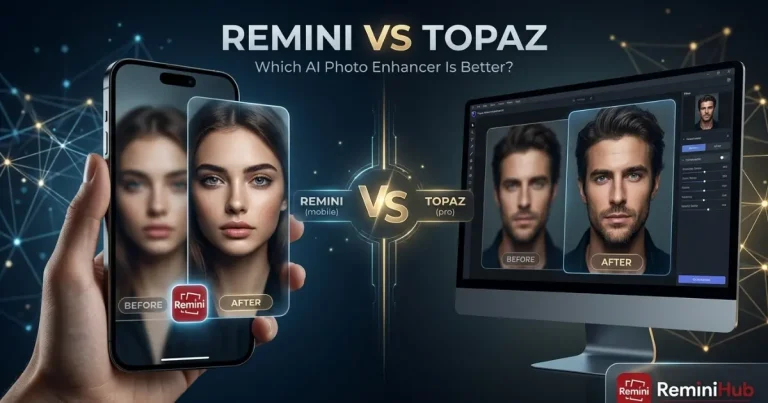
Remini Photo Enhancer – Free Online AI Photo Editor
Remini Photo Enhancer is an AI-powered tool that improves blurry, old, and unclear photos. It can also improve photos with low resolution and poor image quality. The tool enhances details, sharpness, and the overall quality of your photos. It is useful for restoring old pictures and improving selfies. It can also make faces and other important details look clearer.
You can use Remini to enhance different types of photos with little manual editing. Depending on the platform, Remini is available through its app or web experience. For differences between these options, see our Remini Web vs App guide.
In this guide, you will learn how Remini Photo Enhancer works. You will learn which types of images it can improve. The guide also explains how to enhance a photo with Remini. You will also learn what results you can expect from the tool.
What is Remini Photo Enhancer?
Remini Photo Enhancer uses AI technology to improve the clarity and detail of photos. It can enhance blurry and low-resolution images with better clarity. It can also improve facial details in portrait photos.
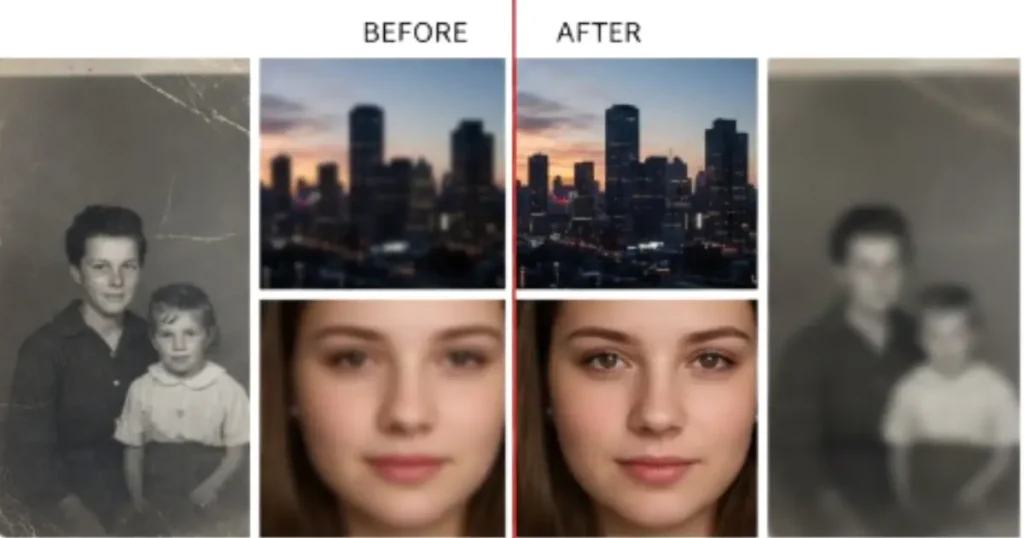
Remini can help restore older photographs and improve their appearance. The improvement depends on the quality of the original image. Heavily damaged or extremely blurry photos may still have some limitations.
What Types of Photos Can Remini Enhance?
Remini Photo Enhancer can improve different types of low-quality images. It is designed to enhance clarity, details, and overall image appearance. It uses AI processing to work with information from the original photo.
The results depend on the quality of the original image. Extremely blurry or heavily damaged photos may have limited improvement. Very low-resolution images may also have limited results. AI cannot always recover details that were not captured originally.
Remini Website & Online Photo Enhancer
Remini provides a web experience for using photo enhancement tools in a browser. You can use these tools without installing the mobile app. However, editing tools and usage limits may differ from the mobile app.
How to Enhance a Photo With Remini
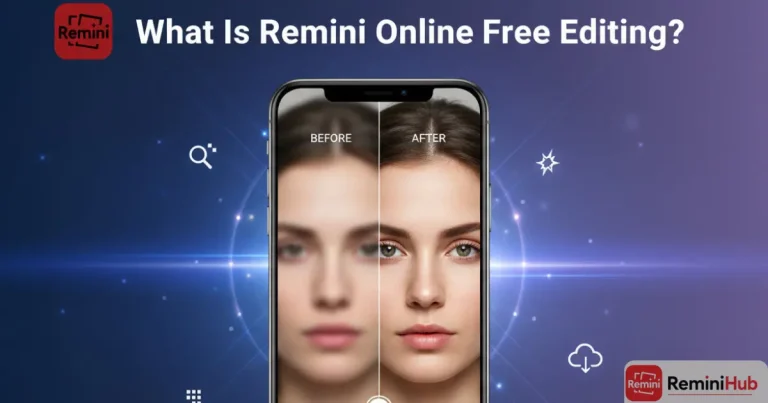
Remini online free editing is one of the easiest ways to use the Remini AI photo enhancer online. You have to upload a photo for editing. Choose your desired editing tool, and the AI improves it for you. Follow these steps to edit photos online:
Some editing or batch-processing features may depend on the platform or plan you use.
Key Features of Remini Photo Enhancer
AI Photo Enhancement
Remini Photo Enhancer uses AI technology to improve blurry and unclear photos. It can also improve photos with low resolution and poor image quality. The tool enhances important details such as faces, edges, and textures.
It can make soft or slightly blurry images look sharper and clearer. It also improves the overall quality of the image. The final result depends on the quality of the original photo. Very damaged or extremely blurry photos may still have visible limitations.
Photo Restoration
Remini Photo Enhancer can help restore old, faded, or damaged photos. It can improve clarity, reduce visible blur, and enhance important details. It is useful for scanned family pictures and older portraits.
It can also improve photos affected by low image quality over time. The AI uses information from the original image during processing. Results can vary depending on how damaged or unclear the photo is.
Portrait Enhancement
Remini Photo Enhancer can improve portraits by enhancing facial details and sharpening features. It can make faces appear clearer in different types of photos. It is useful for selfies and low-quality portrait photos.
These photos may have facial details that are difficult to see. The AI focuses on visible features in the original image. The final result can vary depending on the photo quality and blur.
Image Upscaling
Remini Photo Enhancer can upscale low-resolution images and improve their clarity. Its AI processing can make small or soft photos look sharper. It can also make faces and important subjects easier to see.
The final result depends on the original photo quality and resolution. Upscaling cannot always recover details that were never captured.
Video Enhancement
Remini also offers AI-based video enhancement features on supported versions and platforms. These tools can improve the clarity and detail of video frames. They can make suitable low-quality videos look sharper and more refined.
If you want to learn more about improving blurry or low-quality footage, our Remini Video Enhancer guide explains how the video enhancement process works and what you can expect from it.
Video tools and processing options can vary by platform and plan. Check the features available in your Remini version before using them.
Web and Mobile Access
Remini is available through supported web and mobile experiences for different devices. You can use it to enhance photos across different supported devices. However, tools and editing options may vary between platforms. Usage limits and other features can also differ between the web version and app.
Compare the available features before choosing the platform for your editing. If you are specifically looking for the modified Android version of Remini, you can read our Remini Mod APK guide for information about its features, installation, and available options.
Final Words
Remini Photo Enhancer improves blurry, low-resolution, old, and unclear photos using AI technology. It can enhance facial details and restore older photographs with better clarity. It can also upscale images and provide supported video enhancement tools. The result depends on the original image and available platform features.
Your plan can also affect the features available for photo enhancement. For better results, start with the highest-quality version of your photo. Compare the enhanced image with the original before saving it.